Skip to content
Now-Tech.net

Now-Tech.net

Primary Menu
  • Home
  • Contact
  • Eletric Cars
  • Games News
  • Media News
  • Privacy Policy
Light/Dark Button
  • Games News

How to Access Schedule 1 Beta Builds for Early Updates

2 years ago (Last updated: 2 weeks ago)
CPW92cDjcXsBufZgB6pnUK-1920-80

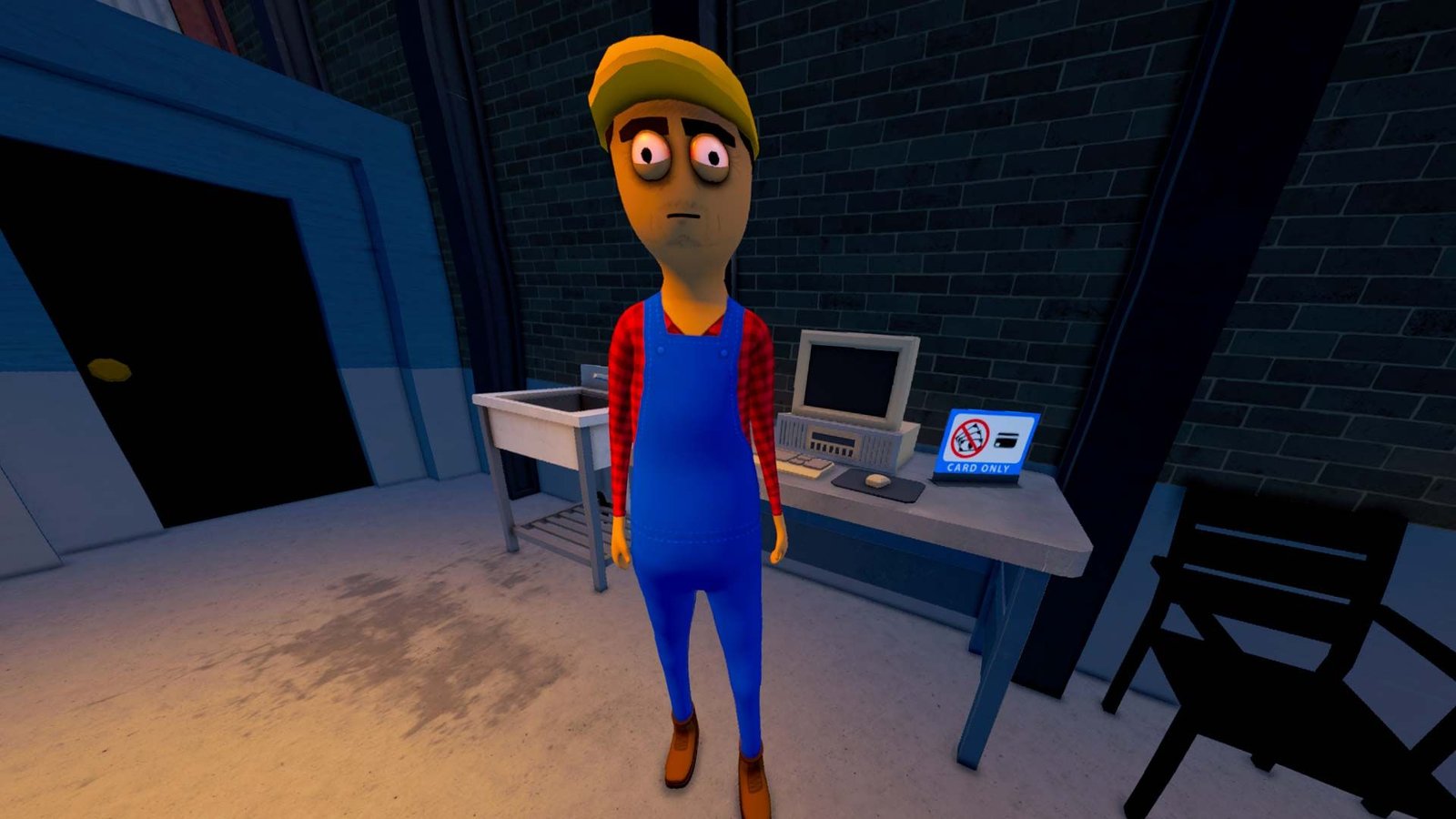
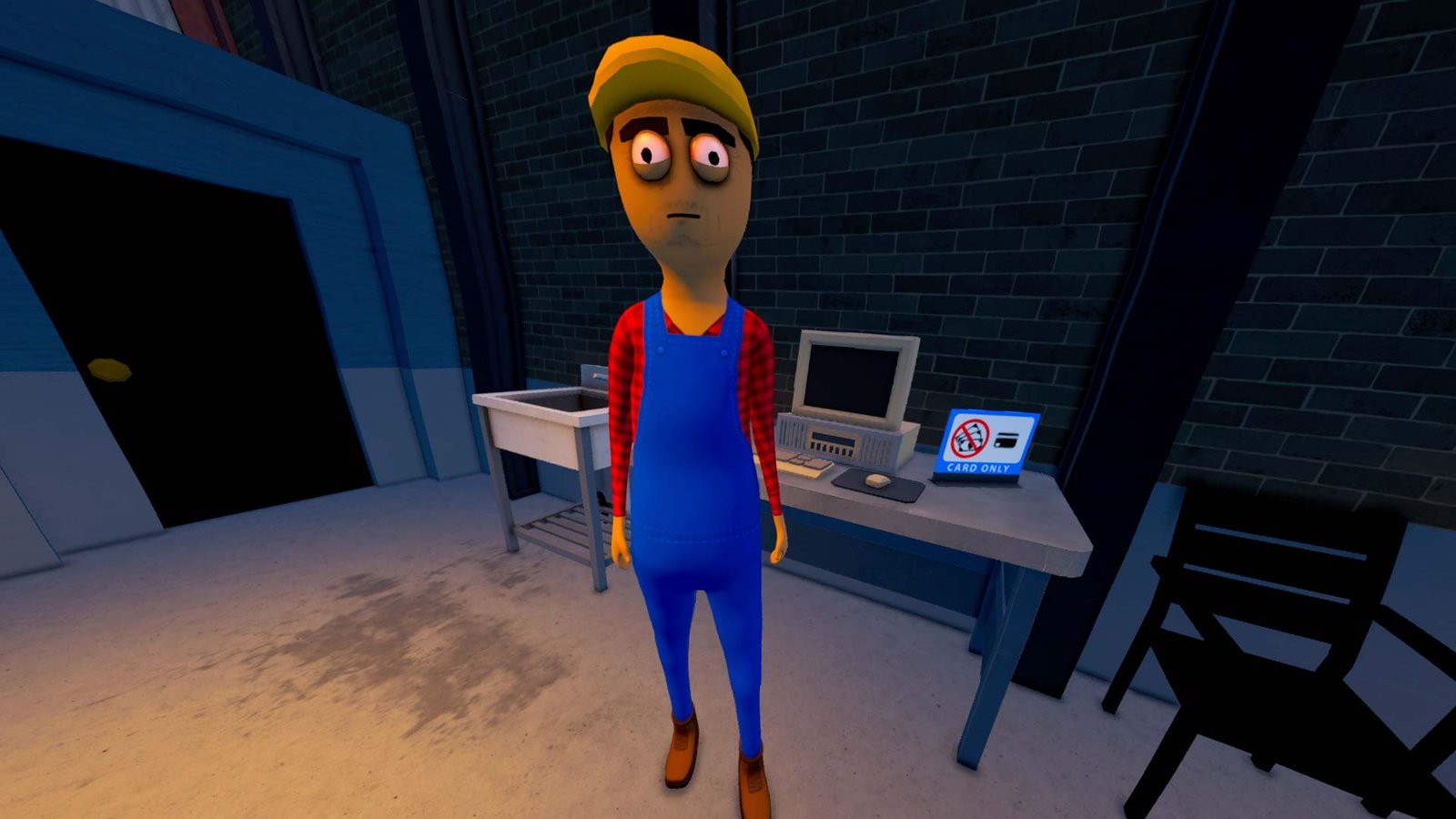
A Schedule 1 NPC standing around staring, looking a bit high. He's wearing blue overalls, a yellow hat, and a red plaid undershirt.

Players eager to test the latest features in Schedule 1 can gain early access to upcoming content by opting into the game’s beta branch on Steam. By switching to these test builds, users can preview updates days before their official release, provided they are willing to navigate potential stability issues.

How to Enable the Schedule 1 Beta Branch

Accessing the beta branch is a straightforward process within the Steam client. By navigating to the game’s properties, you can select the latest test build from a dropdown menu to begin downloading the pre-release content.
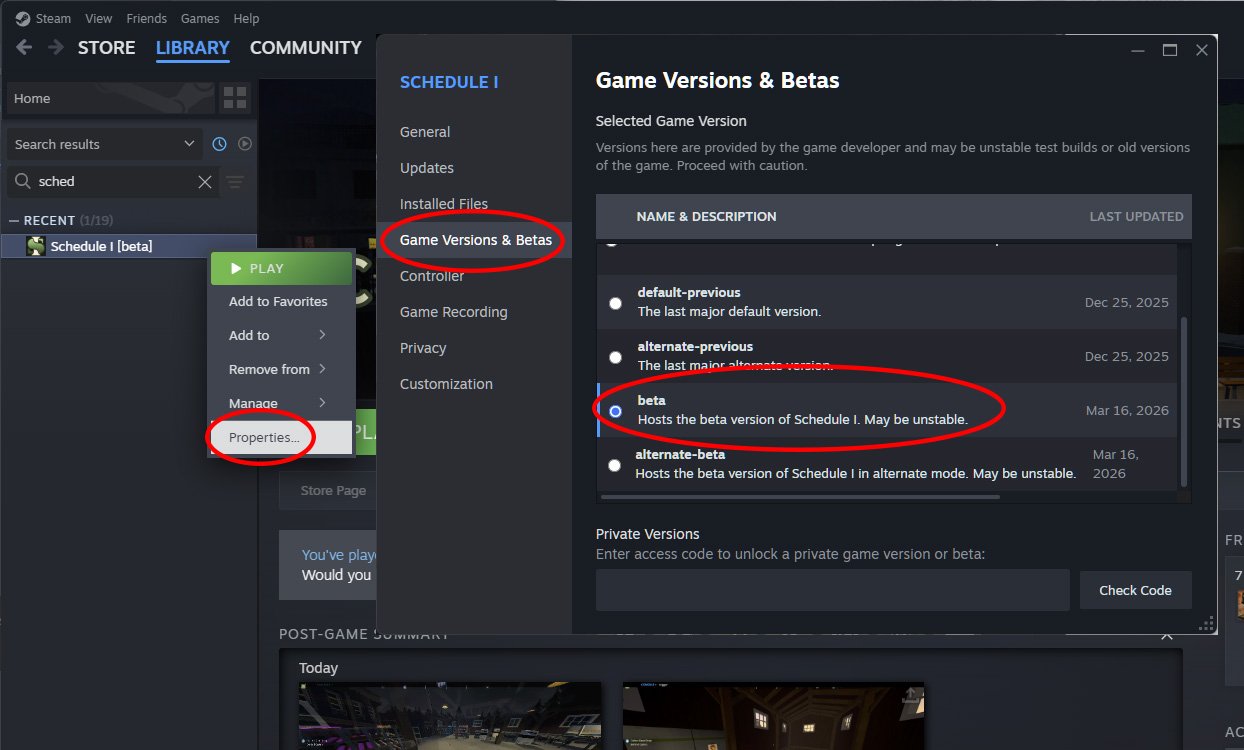
The Steam menus for right clicking Schedule 1 and accessing its Properties window. To the right of that is the Game Versions & Betas window, where you can select the beta build.

Follow these steps to access the branch:

  • Open your Steam Library.
  • Right-click on Schedule 1 and select Properties.
  • Navigate to the Betas tab.
  • Select the desired beta build from the dropdown menu.

When playing with friends, ensure everyone in your group is running the same build version to avoid compatibility conflicts. Once the beta content is pushed to the main, stable release, you can return to the same menu and select “Default Public Version” to revert your game.

Performance Tweaks and Alternate Builds

If you encounter excessive crashing or performance degradation while using the primary beta branch, you may want to test the “alternate” build. This version is available for both the beta and the main public release, offering specific performance optimizations that may run more smoothly on certain hardware configurations.
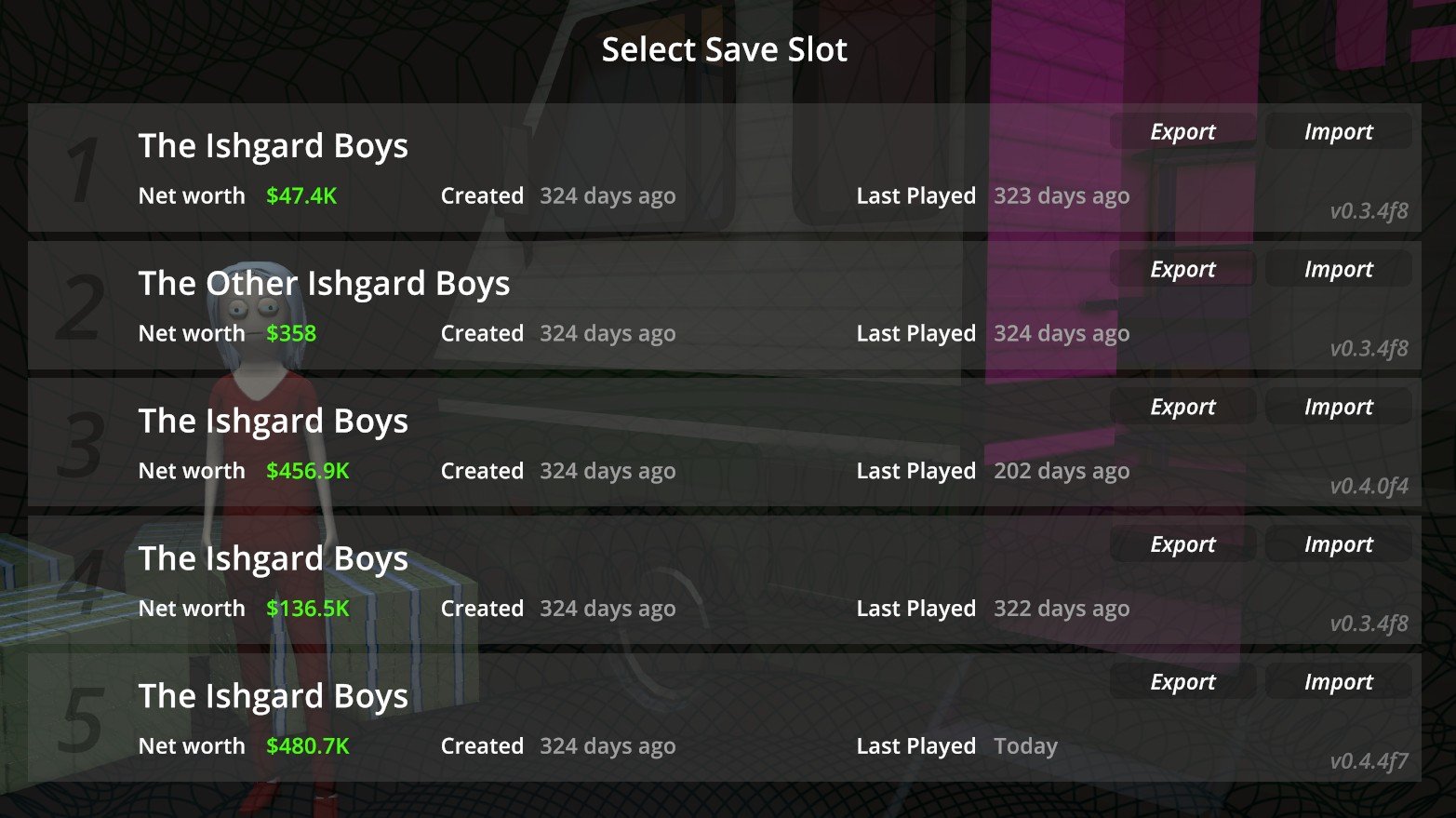
Schedule 1 save menu showing various save files for exporting or importing

Essential Safety: Backing Up Your Save Files

Before switching between branches, it is critical to protect your progress. Schedule 1 includes a built-in save file export utility, which is the safest way to prevent data loss if a beta build proves unstable. Always back up your files before experimenting with new, unverified updates.

If you experience data loss or corruption, you can easily restore your progress by navigating to the save menu and selecting the Import option. Locate your saved zip file, and the game will restore your previous state, allowing you to resume exactly where you left off.


Post navigation

Previous: Manor Lords Devs Plan New Trade System to Enable Monopolies
Next: How Timothée Chalamet’s Xbox Modding Past Built His New Role

EV Tech

Donut-Battery-Module-2
  • Eletric Cars

Is This the World’s First Real Solid-State Battery?

3 days ago
Nvidia Unveils DLSS 5: Generative AI for Video Game Graphics grokashcroft
  • Eletric Cars

Nvidia Unveils DLSS 5: Generative AI for Video Game Graphics

1 week ago
Tesla Unveils Cybercab: Elon Musk’s Steering-Wheel-Free Taxi Robotaxi_82
  • Eletric Cars

Tesla Unveils Cybercab: Elon Musk’s Steering-Wheel-Free Taxi

1 week ago

Review Games

eh4UWhvd6WXwJhXHTCDoE7-1070-80
  • Games News

The Elder Scrolls 6: Everything We Know About the Epic Return

3 weeks ago
Create Your Dream Cottagecore Farm With These Stardew Mods dNVE4HTjpooBfsqncxfSs4-1920-80
  • Games News

Create Your Dream Cottagecore Farm With These Stardew Mods

3 weeks ago
Ark: Survival Ascended DLC Revives Atlas’ Best Mechanics UXeVf4UYohCMAzn5GT2nVZ-2560-80
  • Games News

Ark: Survival Ascended DLC Revives Atlas’ Best Mechanics

1 month ago

Watch it again before leaving

Donut-Battery-Module-2
  • Eletric Cars

Is This the World’s First Real Solid-State Battery?

3 days ago
grokashcroft
  • Eletric Cars

Nvidia Unveils DLSS 5: Generative AI for Video Game Graphics

1 week ago
Robotaxi_82
  • Eletric Cars

Tesla Unveils Cybercab: Elon Musk’s Steering-Wheel-Free Taxi

1 week ago
20260228_153757
  • Eletric Cars

Xiaomi Unveils Vision GT: A Wind-Sculpted Electric Hypercar

2 weeks ago
Copyright © 2026 All rights reserved. | ReviewNews by AF themes.